
How do I copy my league settings from the previous season?
If you used FanDraft for one or more of your leagues last year, and want to copy the settings into a current year version of that league, we created a tool to expedite that process.
From your FanDraft Dashboard:
- Click the CREATE LEAGUE button
-
Choose option 2, COPY PRIOR-YEAR SETTINGS, by selecting the league from a prior year, enter your password, and click "Create and Copy Settings"
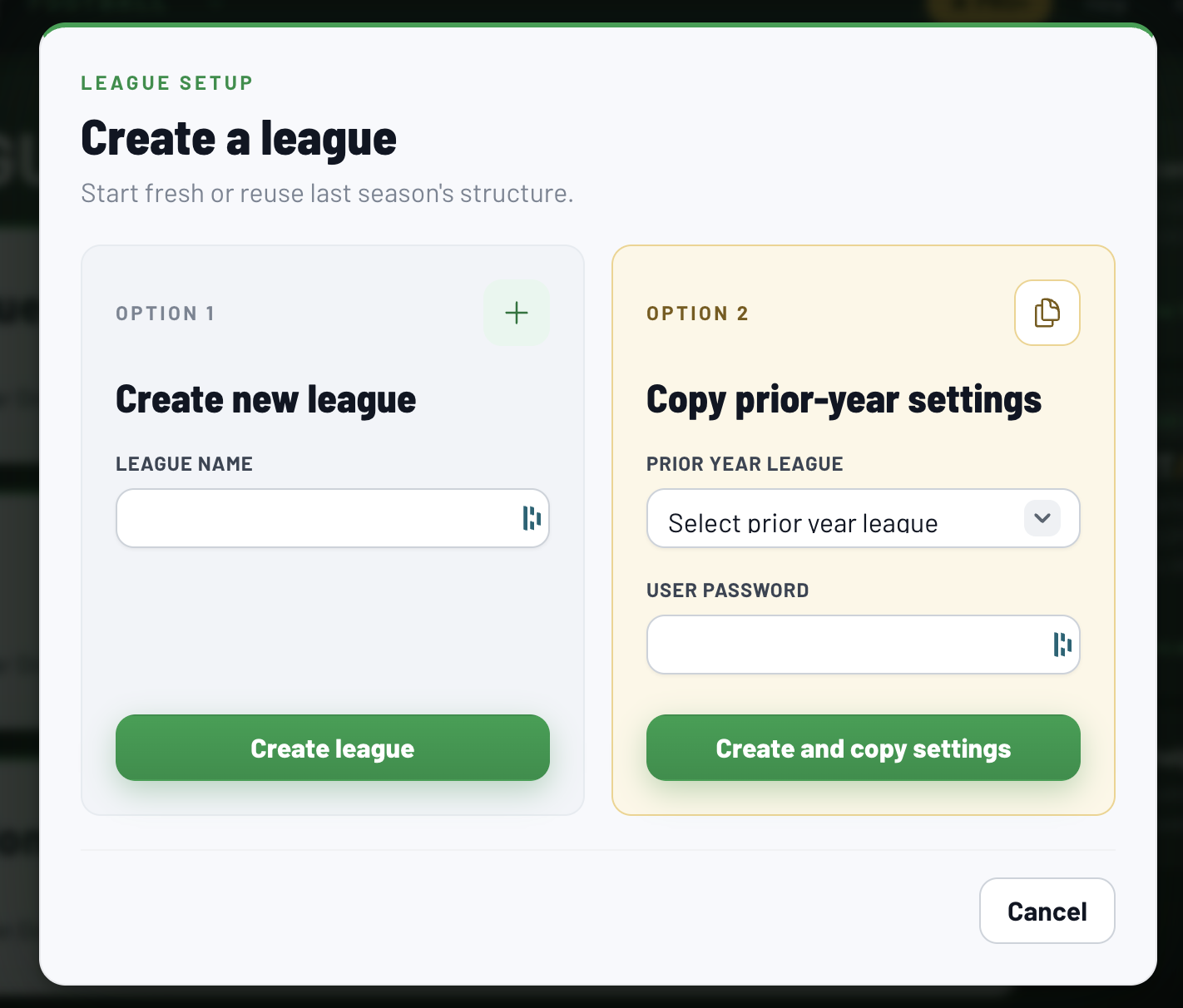
Once completed, you will then see the league existing in the current year's season Dashboard.
If you do NOT see an option for one of your past leagues, it is for one of these 2 reasons:
1. You did not complete a draft with this league the prior year (requirement)
2. You are not the Admin user who purchased FanDraft (requirement)